Getting Started
What is Revtrace?
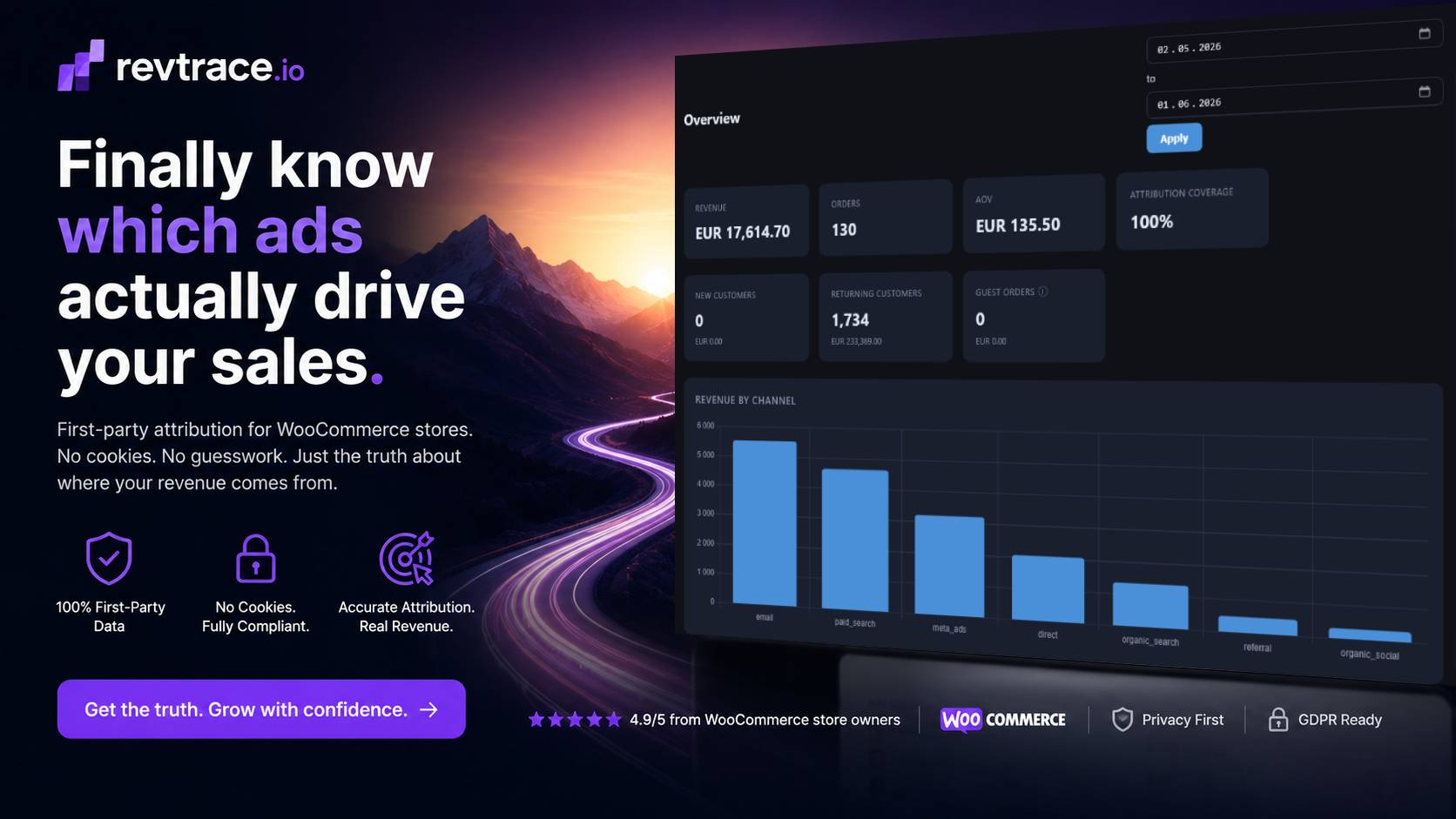
Revtrace tells WooCommerce store owners exactly which marketing channels are driving their sales — not just traffic, but actual revenue.
You’re running Google Ads, Meta campaigns, and email flows. Each platform claims credit for the same sales. RevTrace sits outside all of them and tracks the real customer journey: the session that actually led to checkout, not whichever platform has the most generous attribution window.
Install a lightweight WordPress plugin, get a dashboard that shows revenue by channel, campaign performance, new vs returning customers, and a weekly AI brief — all in plain language.
Do I need a credit card to start the trial?
No. The 21-day trial starts the moment you create an account — no credit card required. You get the full Pro experience during the trial: up to 500,000 events per day, 100 AI queries per day, weekly briefs, and up to 10 stores.
How do I start tracking?
Create an account at app.revtrace.io/register, then add your store in Settings and install the WordPress plugin. The full process takes about five minutes. See the Revtrace WP plugin install guide for step-by-step instructions.
How long until I see data after installing the plugin?
The first session appears within seconds of a real visitor landing on your store. Orders appear within a minute of checkout. If you want to trigger a test session yourself, open your store in a private browser window after installing the plugin, then check the Journeys report.
Does Revtrace work without WooCommerce?
No. Revtrace integrates directly with WooCommerce to capture order data at checkout. It requires WooCommerce 5.0 or higher.
What PHP version do I need?
PHP 7.4 or higher on your WordPress server. PHP 8+ recommended.
Data & Attribution
Why does my data look different from what Google Analytics shows?
Revtrace and Google Analytics measure different things. GA counts sessions and page views. Revtrace is focused exclusively on what drove revenue — it only counts sessions that ended in an order. A session that bounced without buying is irrelevant to Revtrace’s reports.
Why is there so much “direct” traffic?
Direct means Revtrace received no referrer and no UTM parameters for that visit. Common causes:
– Email links without UTM tags — email clients do not pass a referrer header, so untagged email clicks always look direct
– In-app browsers — some mobile apps (Instagram, TikTok, Messenger) open links in an in-app browser that strips the referrer
– Copy-pasted links — shared via WhatsApp, Telegram, or SMS arrive with no referrer
The most impactful fix is enabling UTM auto-tagging in your email platform. See the [UTM tagging guide](utm-tagging-guide.md).
Why does Revtrace show less email revenue than Omnisend or Klaviyo?
Email platforms use a time-window model — they claim credit for any sale made within 7 days of someone clicking an email, even if the customer later came back via Google and converted through a search ad. Revtrace uses session-based last touch — it credits the channel the customer actually used to return to your store immediately before buying.
Both are valid measurements, but they answer different questions. Revtrace’s approach avoids double-counting across channels.
Why does Revtrace show less revenue than my Google Ads dashboard?
Google Ads uses view-through attribution by default — it claims credit even when the user only saw an ad but did not click. Revtrace only attributes clicks that produced a tracked session on your store.
What does “other_paid” mean?
Other paid is traffic that arrived with a `utm_medium` of `cpc` or `ppc` but from a source Revtrace doesn’t recognise as Google, Meta, TikTok, or LinkedIn. Check your UTM source value — it should be `google`, `facebook`, `instagram`, `tiktok`, or `linkedin` for platform-specific classification.
What is Attribution Coverage and what should it be?
Attribution Coverage is the percentage of orders where Revtrace successfully matched a tracked session. It will never be 100% — some orders come from customers with JavaScript disabled, API-driven checkouts, or other edge cases. For a typical WooCommerce store, 85–95% is healthy. Below 80% consistently is worth investigating — check that the plugin is active and your store can reach `app.revtrace.io` over HTTPS.
How far back does the data go?
Revtrace starts tracking from the moment you install the plugin. There is no data before installation. Historical order import (pulling past WooCommerce orders and hashing the emails for new/returning classification) is a planned feature.
Are my customers’ emails stored?
No. Revtrace stores a SHA-256 hash of the lowercase billing email — a one-way fingerprint. The original email address is never sent to or stored by Revtrace. The hash is used only to distinguish new customers from returning customers.
Channels & Reports
What is the difference between first touch and last touch?
First touch gives credit to the channel that brought the customer to your store for the very first time. Last touch gives credit to the channel they came through immediately before buying. The Channels report lets you toggle between both models. See [Understanding Your Attribution Report](understanding-attribution-report.md) for a full explanation.
The Campaigns report is empty. Why?
The Campaigns report only shows orders where a `utm_campaign` parameter was present at last touch. If your ad and email links don’t include `utm_campaign`, nothing appears here. Start adding campaign tags to your URLs — see the [UTM tagging guide](utm-tagging-guide.md).
Can I export my data?
Yes. The Channels, Campaigns, and Journeys reports all have an Export CSV button. The Journeys export includes full first/last touch channel, source, and campaign fields for every order.
Why does an order show “referral” from my own domain?
This happens when a customer navigates between pages on your site and the session resets, picking up your own domain as a referrer. A future update will let you add your store’s domain to an exclusion list so internal navigation is filtered out.
Team & Stores
Can I add my team to the dashboard?
Yes. Go to Settings → Team and invite members by email. Invited users get access to your store’s data. There are three roles: Owner (full access including billing), Admin (full access except billing), and Viewer (read-only reports).
Can I track multiple stores from one account?
Yes. You can add multiple stores under one Revtrace account. Each store has its own API key and reports. Switching between stores is done from the Settings page.
| Plan | Store limit |
|——|————-|
| Growth | 3 stores |
| Pro | 10 stores |
| Agency | Unlimited |
I manage stores for clients. Can I give them access?
Yes. Invite the client as a member of their store from Settings. They get their own login and see only that store’s data.
Billing & Plans
During your 21-day trial you get the full Pro experience at no cost.
What happens when the trial ends?
When your 21-day trial expires, your dashboard becomes read-only — you can still view existing data but no new events are accepted. Upgrade to a paid plan to resume tracking.
Can I cancel any time?
Yes. Cancel from Settings → Billing at any time. Your plan remains active until the end of the current billing period. No partial refunds.
What currency are prices in?
All prices are in Euros (€) and exclude VAT. VAT is added at checkout based on your country.
Privacy & Security
Where is my data stored?
All data is stored in Europe on servers Revtrace controls. The platform does not use third-party analytics services on store visitor data.
Is Revtrace GDPR-compliant?
Revtrace processes session and order data on behalf of the store owner (data processor relationship). The store owner remains the data controller for their customers’ data. Revtrace does not store personal data — billing emails are one-way hashed, and raw PII is never retained. See the [Privacy Policy](privacy.md) for details.
Does the plugin slow down my store?
No. The plugin loads a small (~5KB) JavaScript tracker asynchronously — it does not block page rendering. Event data is queued and sent in batches after the page loads, so checkout performance is unaffected.
Is the connection between my store and Revtrace secure?
Yes. All communication uses HTTPS. Requests from your store to Revtrace are authenticated with your API key. Attribution write-backs from Revtrace to your store are signed with HMAC-SHA256 so your store can verify they came from Revtrace.
Troubleshooting
The plugin says “connection failed” after saving my credentials.
Double-check that you copied the Store ID, API Key, and API Secret exactly — no extra spaces or line breaks. If you’re not sure, go to Settings → API Credentials and rotate the key to generate a fresh set, then re-enter them in the plugin.
No data is arriving even though the plugin is installed and connected.
1. Make sure WooCommerce is active — the plugin requires it
2. Check that your WordPress server can make outbound HTTPS requests to `app.revtrace.io` — some hosts block outbound connections
3. Deactivate and reactivate the plugin to re-initialise the tracker
4. Open your store in a private browser window and check the Journeys report a minute later
The Journeys report shows sessions but no orders.
The plugin captures sessions (page visits) and orders separately. Orders only appear after a WooCommerce checkout is completed and the order is created. Make sure a real test order has gone through, not just a cart session.
I can’t log in — I forgot my password.
Use the Forgot Password link on the login page. An email with a reset link is sent to your registered address. Check your spam folder if it doesn’t arrive within a few minutes.
My question isn’t answered here.
Visit revtrace.io/docs or reply to any email from Revtrace and you’ll reach a human directly.