You sent a Mother’s Day campaign last May. Omnisend reported €8,400 in revenue from it. You felt good about that. Then you checked Google Ads — also a spike that week, claiming a chunk of revenue too. But your actual store revenue for the period was €11,000.
The math doesn’t work. And it’s not a glitch.
How email platforms actually count revenue
Every major email platform — Klaviyo, Omnisend, Mailchimp — uses what’s called a time-window attribution model. The logic is simple: if a customer opened or clicked one of your emails within the past several days, and then buys something, that sale gets credited to email.
Klaviyo’s default window is 5 days for clicks and 1 day for opens. Omnisend uses a 7-day click window. These are the out-of-the-box settings most stores never touch.
Here’s what that looks like in practice.
A customer opens your email on Tuesday. She doesn’t buy. On Wednesday she finds you via an Instagram post and browses your products — still doesn’t buy. On Thursday she Googles your store name, clicks your Google Shopping ad, and completes her purchase.
Omnisend claims that sale. She opened an email within 7 days, so the purchase is attributed to email.
Google Ads also claims that sale. She clicked an ad right before buying, so it shows up in Google’s conversion data too.
You count the revenue once, because there’s only one transaction.
This isn’t fraud. It’s just how these platforms are designed — to show you their value. Omnisend doesn’t know what happened on Wednesday and Thursday. It only knows it sent an email that got opened, and then a sale happened. By its own logic, it did its job.
The problem is that every platform is running this same logic simultaneously, and they all report full credit for the same purchase.
Why this matters for real decisions
Most store owners use these numbers to set next month’s budget. If email looks like it’s driving €20,000 a month, you’ll protect that spend. You’ll build more flows, invest in segmentation, maybe hire someone to manage campaigns. If Google Ads looks like it’s driving €18,000, you’ll keep that budget too.
But if your total revenue is only €25,000, something is badly wrong with those inputs.
The danger isn’t just the inflated totals. It’s the relative weights. Say email really drives €7,000 in revenue and paid search drives €16,000 — but email gets credit for €20,000 because it touches almost every customer at some point in a 7-day window. You’d look at those numbers and conclude email is your best channel. You’d pull back on ads, ramp up automation, and watch your revenue quietly drop.
You’d have made a completely rational decision from completely unreliable data.
The UTM gap makes it worse
There’s a second problem layered on top of the attribution window issue, and it compounds the confusion: email links without UTM parameters.
UTM parameters are the tags you add to a URL — utm_source=omnisend&utm_medium=email&utm_campaign=mothers-day — that tell your analytics which campaign sent the visitor. Without them, a customer who clicks a link in your email and lands on your site shows up in Google Analytics as “direct” traffic. The visit is invisible. The sale gets lumped in with people who typed your URL directly into their browser or arrived from a bookmark.
A lot of stores have old email templates that were built before anyone set up proper UTM tagging. Every email sent from those templates is a black hole in your data.
The fix is straightforward: every major email platform has an option to automatically append UTM parameters to all links. In Klaviyo it’s under account settings. In Omnisend it’s in campaign settings. Turn it on. It takes five minutes.
But — and this is important — enabling UTM tagging only fixes the visibility problem going forward. It doesn’t address the attribution window problem at all. You’ll now be able to see that email traffic is coming in. You’ll still have email claiming credit for sales it didn’t drive.
What honest attribution looks like
There’s a simpler model: session-based last-touch attribution. The channel that drove the session in which the customer actually converted gets the credit. One sale, one channel, no double-counting.
In the example above, the customer who opened an email Tuesday but clicked a Google Shopping ad Thursday? That’s a paid search conversion. The email doesn’t get credit because email didn’t drive the converting session.
This model has a real limitation worth acknowledging: it ignores assists. That email on Tuesday might genuinely have been what kept the brand in her mind long enough to search for it again on Thursday. Last-touch attribution doesn’t capture that, and you should know it doesn’t.
But for the specific question of “where should I spend next month’s budget?” — last-touch gives you the clearest signal. It tells you what’s actively closing sales. The channels with high last-touch revenue are the ones that get customers over the line.
First-touch attribution — crediting the channel that originally introduced the customer to your store — is a useful complement. It shows you where new customers come from, which matters for acquisition decisions. Between the two, you can build a more complete picture than any single platform’s self-reported revenue dashboard will ever give you.
How to audit your own numbers right now
You don’t need a new tool to start getting clarity. Three checks you can do today:
- Compare email-reported revenue to your actual total revenue for the same period. If Omnisend or Klaviyo alone is claiming 40–50% or more of your total store revenue, you almost certainly have attribution inflation. Email is rarely the last-touch channel for that proportion of purchases.
- Check whether your email links have UTM parameters. Open a recent campaign, find a product link, and click it. Look at the URL in your browser. Does it contain
utm_medium=email? If not, go enable auto-tagging in your email platform settings now. - Look at your attribution window settings. In Klaviyo, go to Settings → Attribution. The default 5-day click window means any purchase within 5 days of a click gets credited to email. Consider switching to a 1-day click window for a more conservative — and more honest — number. The drop in reported revenue you’ll see isn’t your email getting worse; it’s your measurement getting more accurate.
None of this requires technical expertise. It just requires looking.
What we built Revtrace to do
Revtrace exists because this problem is genuinely hard to solve with the tools most WooCommerce stores already have. Email platforms will always report revenue from their own perspective. Google Analytics does its best but has gaps. Getting a clean, single-source-of-truth view of which channels are actually converting requires something purpose-built.
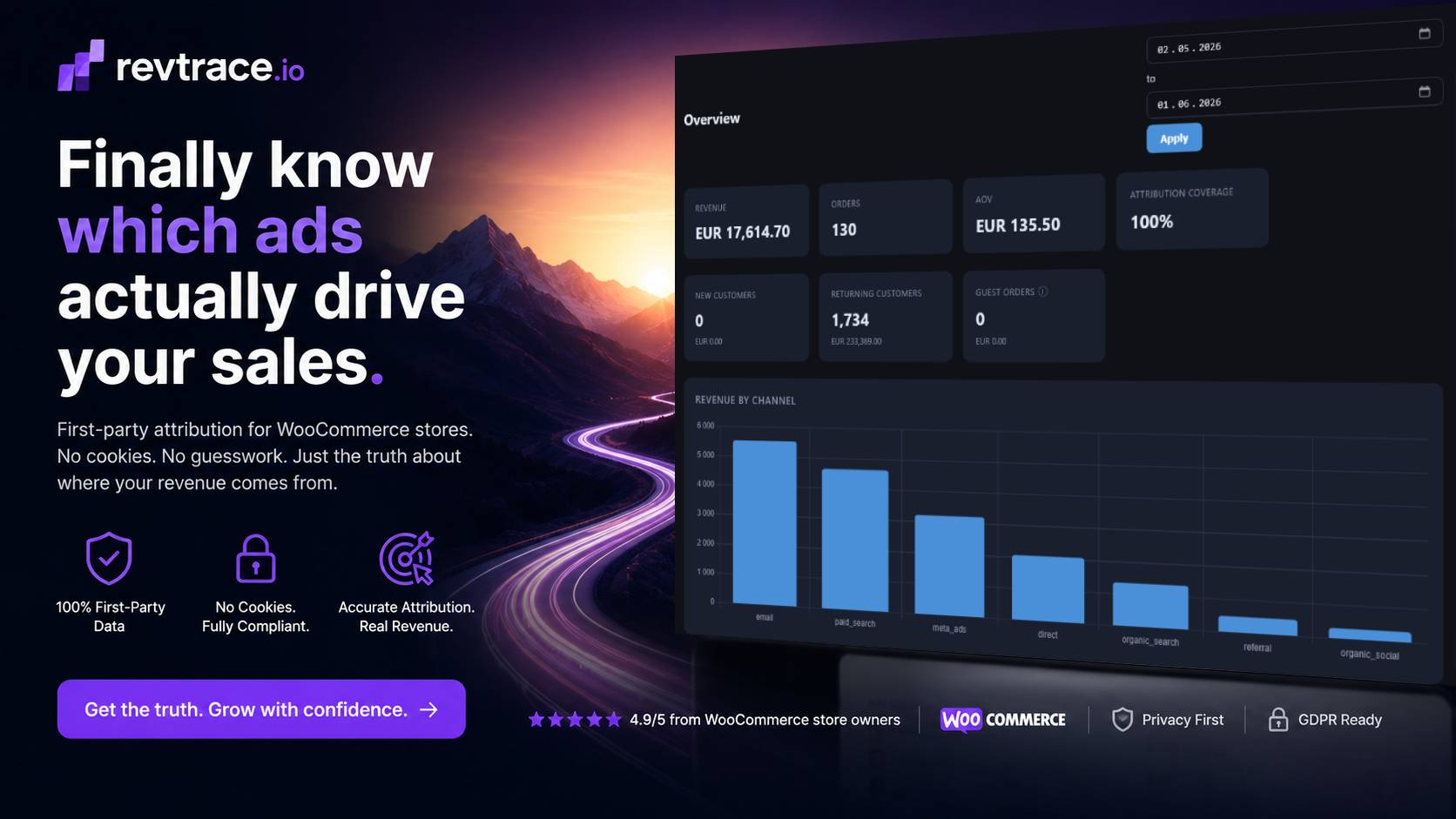
Revtrace uses first-party, session-based attribution collected server-side through a WooCommerce plugin. Every sale is counted once, credited to the channel that drove the converting session, tracked with UTM data where it exists. No sampling, no cross-platform guesswork, no platform grading its own homework.
It connects to WooCommerce in minutes and doesn’t require a data team to interpret.
Your email sequences might be brilliant. Or your Google Ads might be carrying them. You deserve to know which.